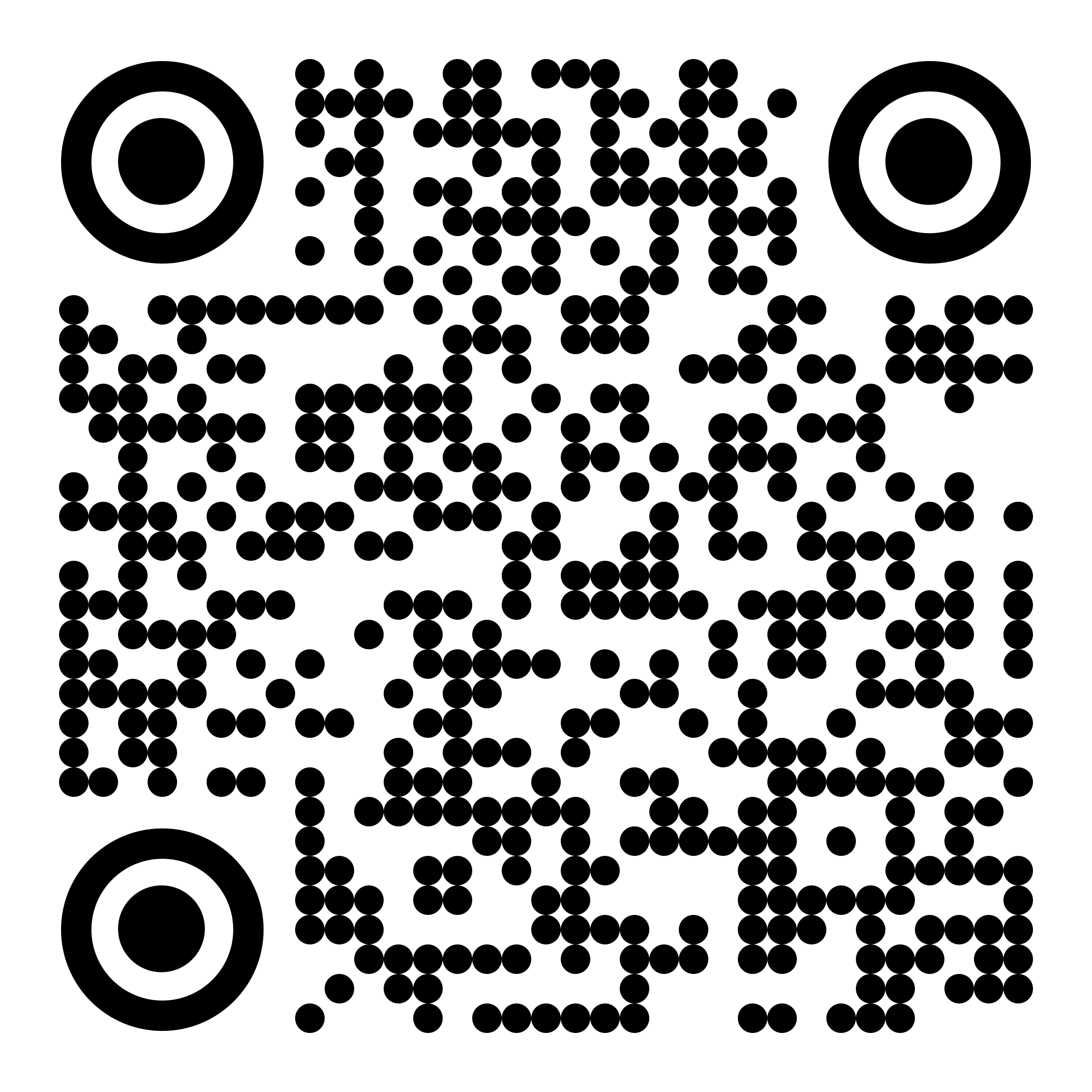
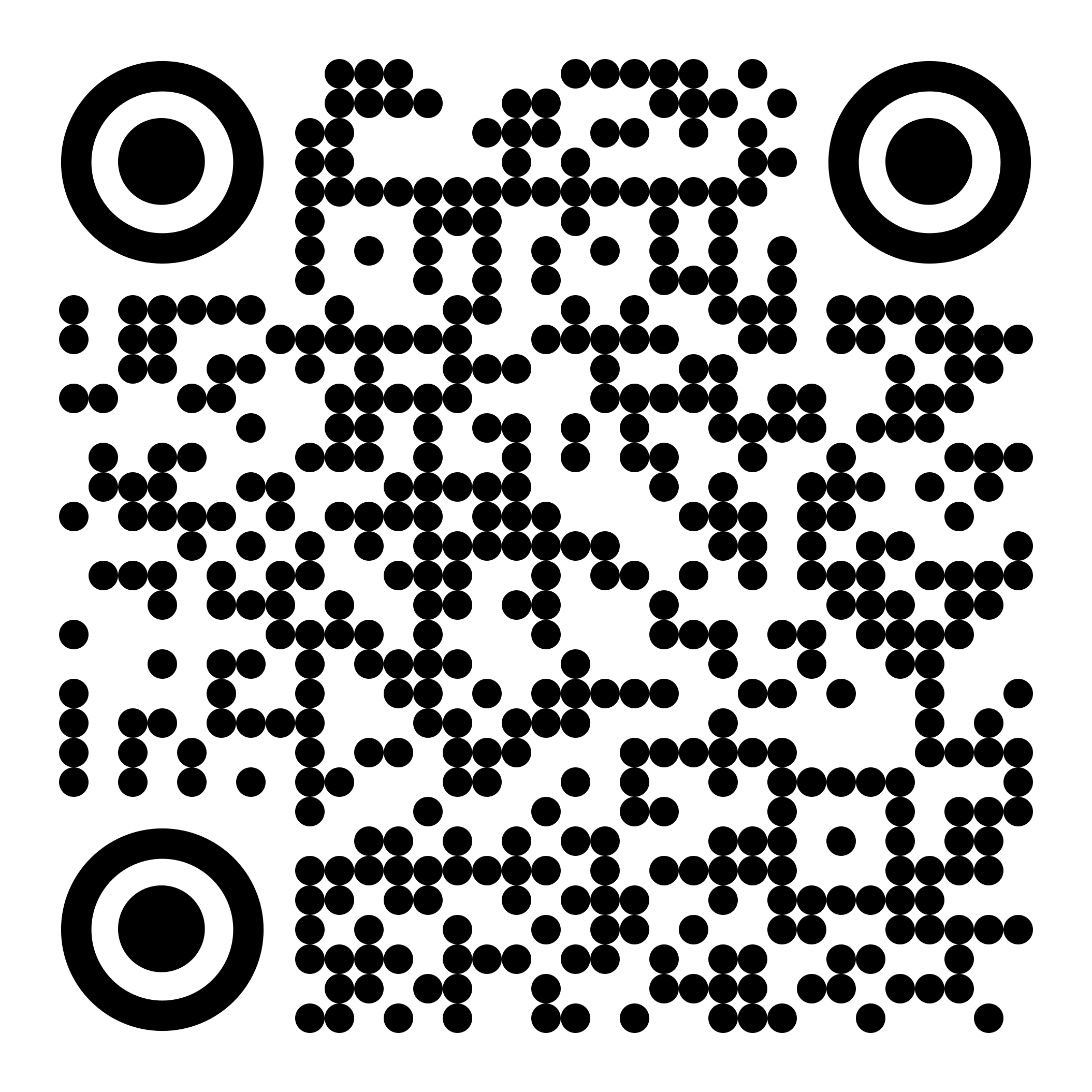
You need the AMLHub ID2 app to complete AML verifications for your listings and accepted offers. Scan the QR code for your phone, or tap the store link.
Apple (iPhone / iPad)
Android
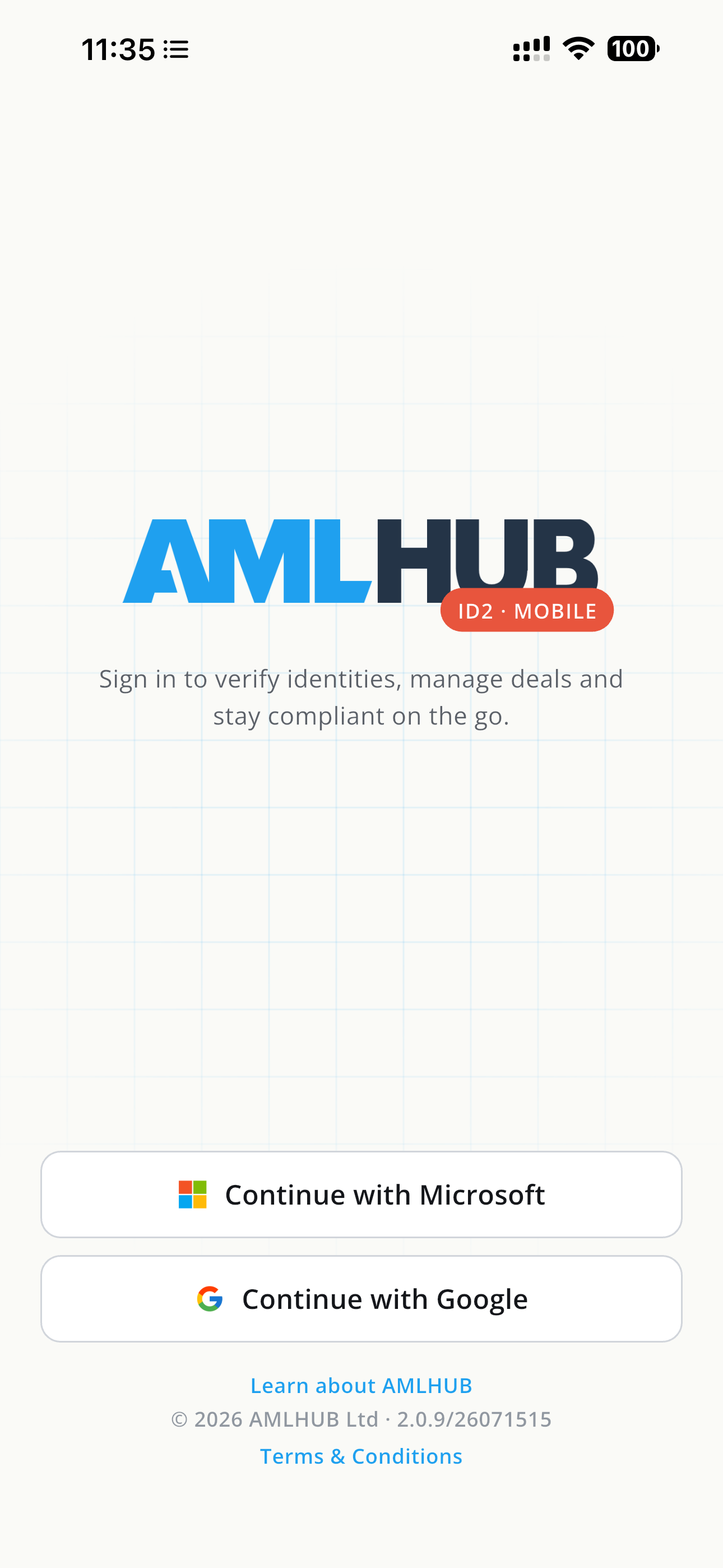
Logging in
Open the app and choose Continue with Google. Log in with the same Google Workspace account you use for the @realty CRM.
Can't log in? Contact the @realty Support Team on 1300 299 377 or support@atrealty.com.au.
Next step: Completing an AMLHub Deal: CRM to App to Handover
Was this article helpful?
That’s Great!
Thank you for your feedback
Sorry! We couldn't be helpful
Thank you for your feedback
Feedback sent
We appreciate your effort and will try to fix the article