In order to verify your buyers as a buyers agent, they need to be submitted to AMLHub by Head Office.
The following form needs to be completed for the submission to occur.
https://form-flow.app/forms/buyer-agent-aml-kyc-represented-buyers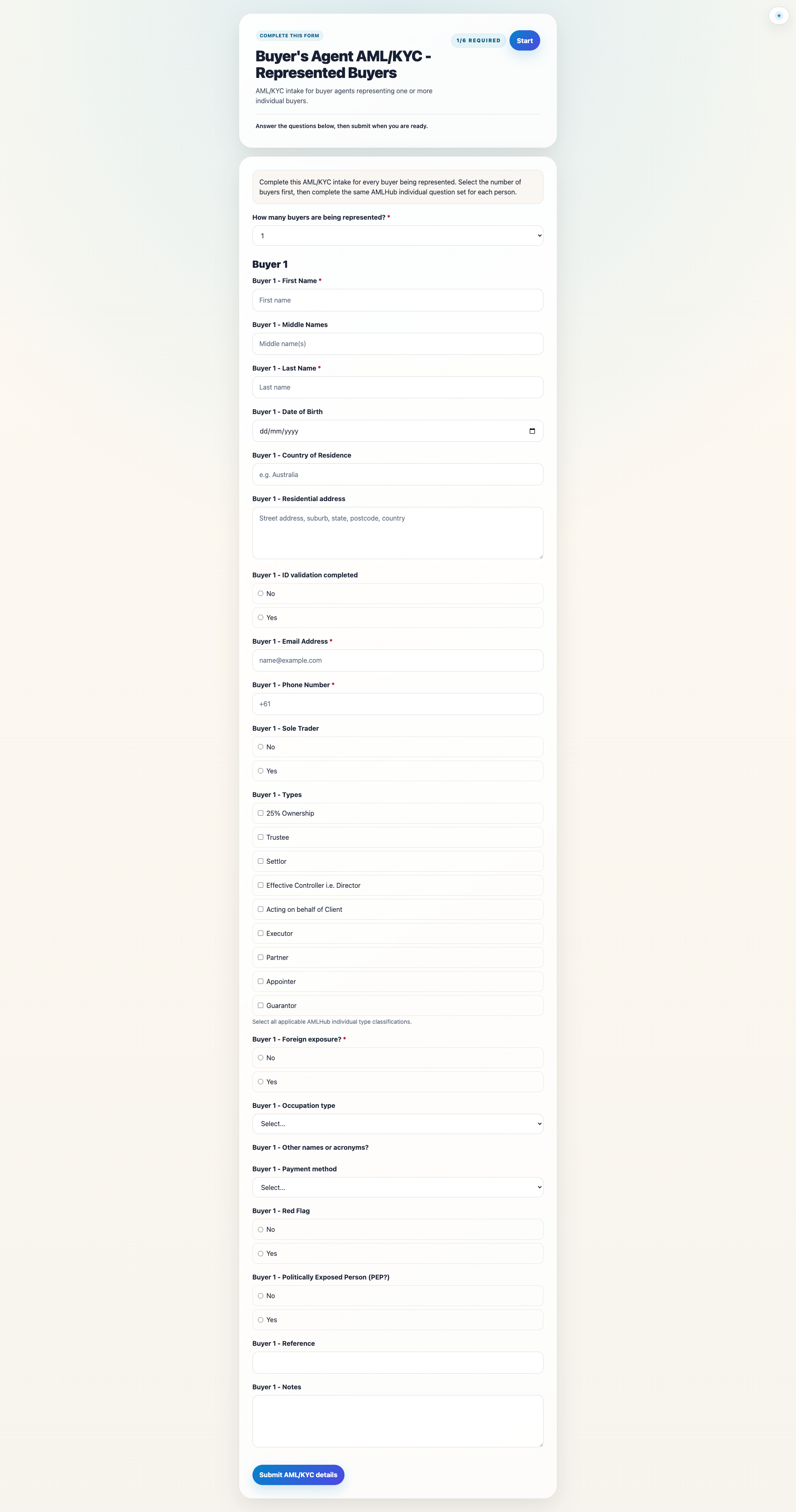
You need to choose how many buyers you are providing the designated service for as all of the buyers will need to be verified.
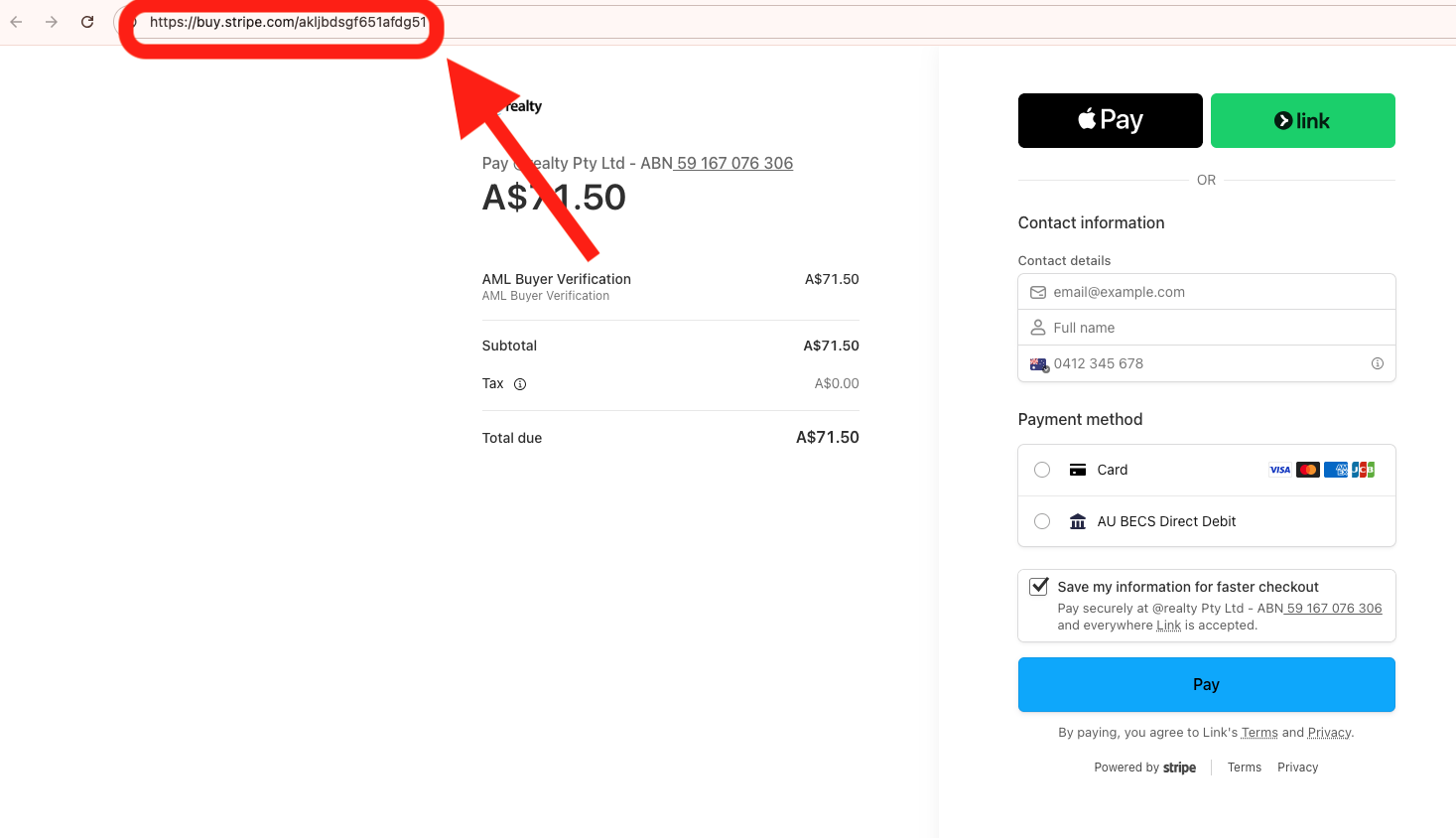
Once you have completed the form, you will be redirected to a payment link to submit the payment for your AML verification.
You can either complete the payment yourself by entering in your details and choosing the payment type.
You can Choose between:
- Card
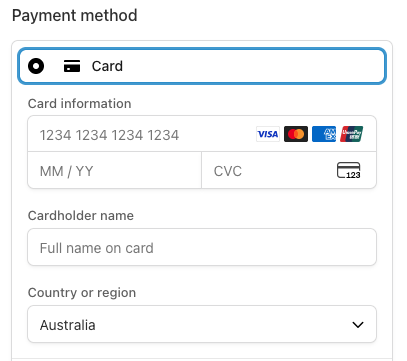
- Bank - AU BECS Direct Debit
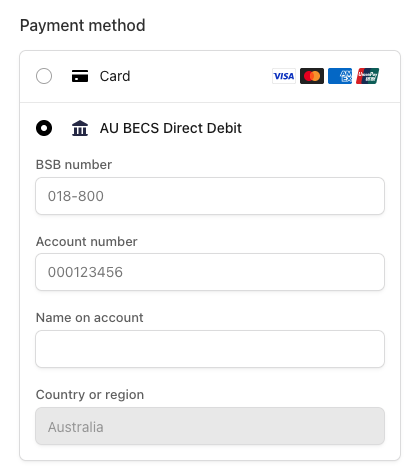
- Apple Pay or
- Link if you have previously used strip checkout and saved your details.
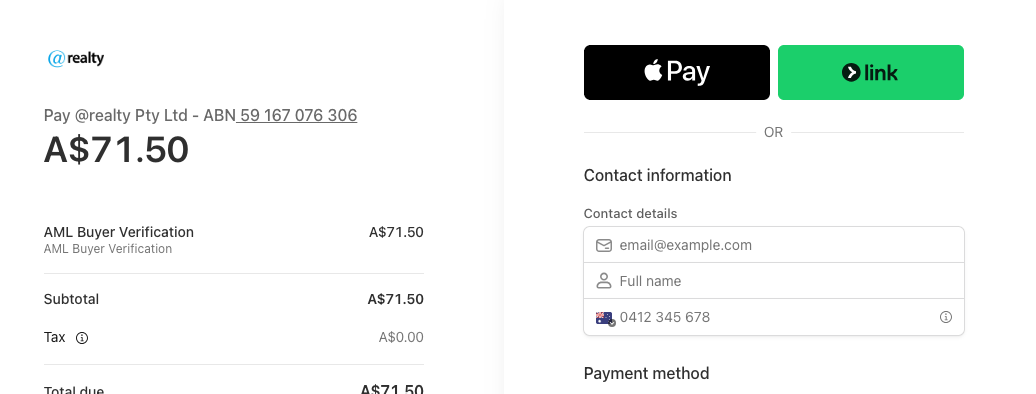
If your vendor is Paying you can copy the unique URL in the address bar and send it to them for payment
Once payment has been made, then the AML verification request will be added to AMLHub as a buyers agent deal and when they find a property that they would like to purchase, the deal will be converted to the property address.
Following the submission to AMLHub, your buyers will be sent a verification link to complete their AML verification check and you will be able to view the progress in the AMLHub App.
Was this article helpful?
That’s Great!
Thank you for your feedback
Sorry! We couldn't be helpful
Thank you for your feedback
Feedback sent
We appreciate your effort and will try to fix the article